Introduction to Creator Tools
This page is the starting point for creators interested in learning about building on VIVERSE.
The Best on the Web
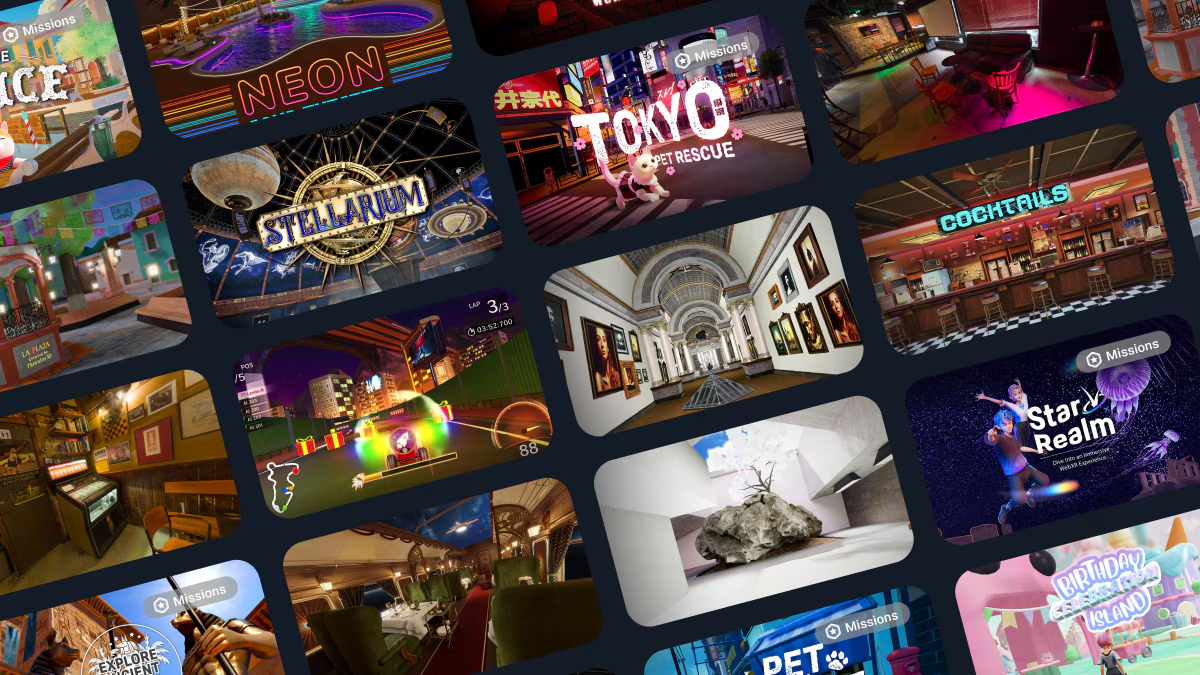
VIVERSE is home to the best content on the internet that can be shared with audiences around the world through the web browser. Whether you are building engaging 3D experiences, web applications, or videos, your work can easily be hosted on and shared through VIVERSE. Our goal is to help creators distribute and monetize their work through VIVERSE's easy hosting and content distribution.

Publishing to VIVERSE
Creators can host web-compatible content of all kinds on VIVERSE using Studio, the one-stop-shop for managing content on VIVERSE. Through Studio, creators can upload new experiences, apps, and videos, and monitor the performance of content already on VIVERSE. In addition to Studio, we also offer a Command Line Interface for creators uploading 3D experiences and applications to publish from the terminal (and even integrate publishing to VIVERSE directly into their tools).
Learn how to publish your project on VIVERSE!
Engaging 3D experiences are the bread and butter of VIVERSE. As part of HTC, the VIVERSE team has a rich legacy of empowering creators building in 3D and XR. As such, we have implemented several tools to help creators building 3D experiences.
Standalone App Publishing
Developers may publish to VIVERSE using any platform that can build for WebGL/HTML5. Publish from UnityWebGL, Godot, ThreeJS, Babylon, AFRAME, and more!
PlayCanvas Toolkit
PlayCanvas is an open source game engine with a web-based editor. We have created a toolkit for the PlayCanvas editor that allows creators to publish to VIVERSE with automatic support for multiplayer VIVERSE avatars.
Create from Templates
Create from our library of world templates and add 3D elements and media directly in VIVERSE. World decoration is great for meetup hosts and beginners looking to customize their first world from a wide range of template environments.
Sharing Content
VIVERSE makes it easy for creators to share work with audiences both on and outside of VIVERSE. After uploading their creations to VIVERSE, creators may select from multiple visibility levels, participate in content curation and discovery, and embed their VIVERSE-hosted content on any webpage of their choosing.
Check out our documentation on how to share your work on VIVERSE!

Monetization
At VIVERSE, our goal is not only to help creators share their work, but also to help creators earn from their creations! We offer a variety of tools for creators to earn on VIVERSE, including engagement-based compensation, channel subscriptions, paid titles, and in-app purchases. Additionally, we frequently host competitions and programs where creators can participate and receive rewards and funding for building with VIVERSE.
Learn more about how you can earn on VIVERSE!
Optimization
The web browser is the most accessible platform for content sharing across the internet. Billions of devices, from mobile phones, to desktop computers, and VR headsets, have access to the browser! However, with so many potential users and devices, it is important to ensure that your content performs well for all of your intended users. Even if you do not have experience building for the web browser, we are here to help creators bring their work to the web for the first time!
Learn more about optimizing your work for the web!
The Creator Community & Getting Support
VIVERSE is proud to support the work many of the most innovative artists, developers, educators, and entrepreneurs across the world. Our Community Discord Server is the epicenter of our creator community and the best way to get connected with other innovative builders.
In the Discord Server, the community and VIVERSE team would love to hear your questions, bug reports, and ideas for making a more accessible platform. Simply create a new post in the #get-help channel when you land.
For issues related to your VIVERSE account, we recommend reaching out to the company-wide support channel: https://support.viverse.com/hc/en-us
Last updated
Was this helpful?