> For the complete documentation index, see [llms.txt](https://docs.viverse.com/llms.txt). Markdown versions of documentation pages are available by appending `.md` to page URLs; this page is available as [Markdown](https://docs.viverse.com/sharing-content.md).
# Sharing Content
This page shared details about how VIVERSE creators can share their work and get their work discovered on VIVERSE.
***
## Creator Profile
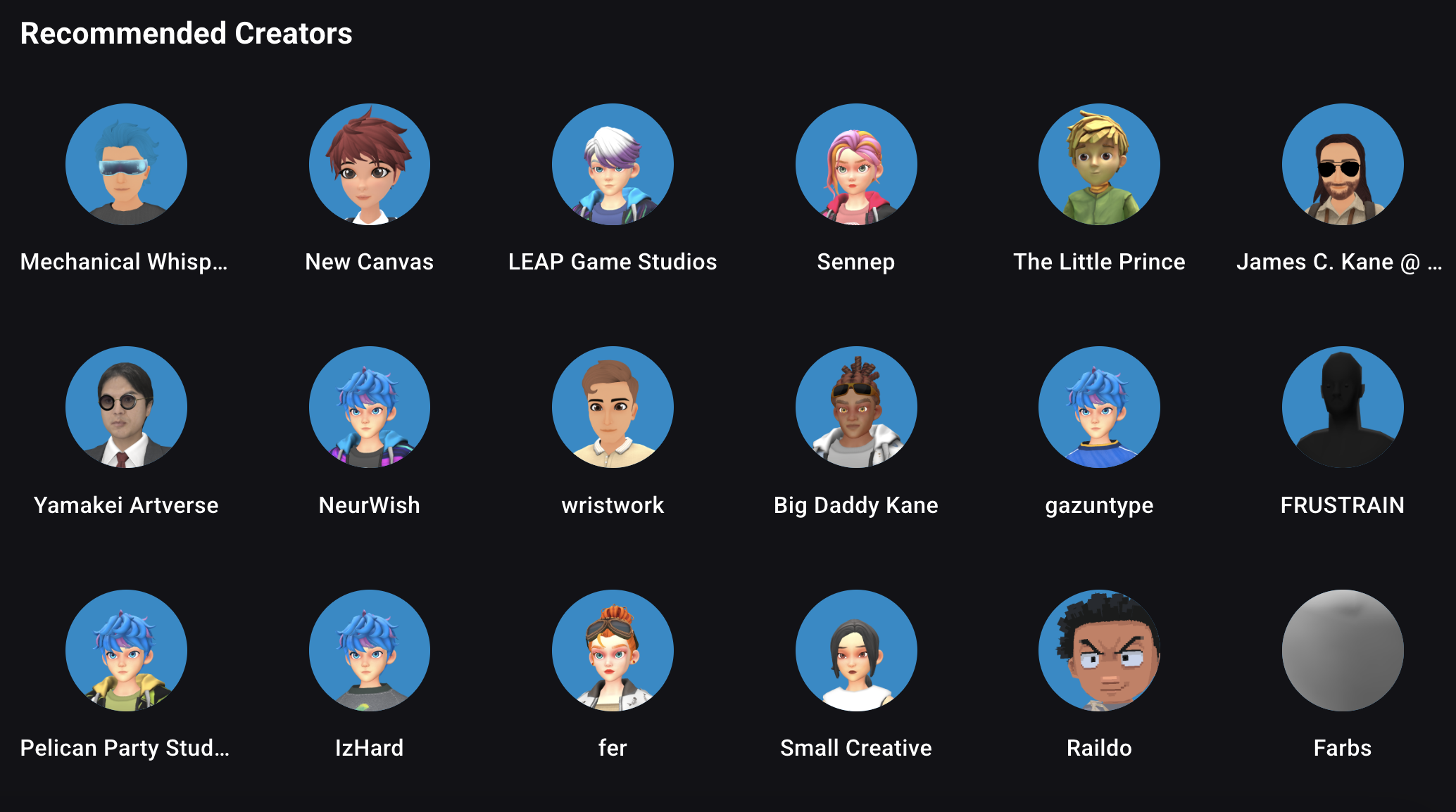
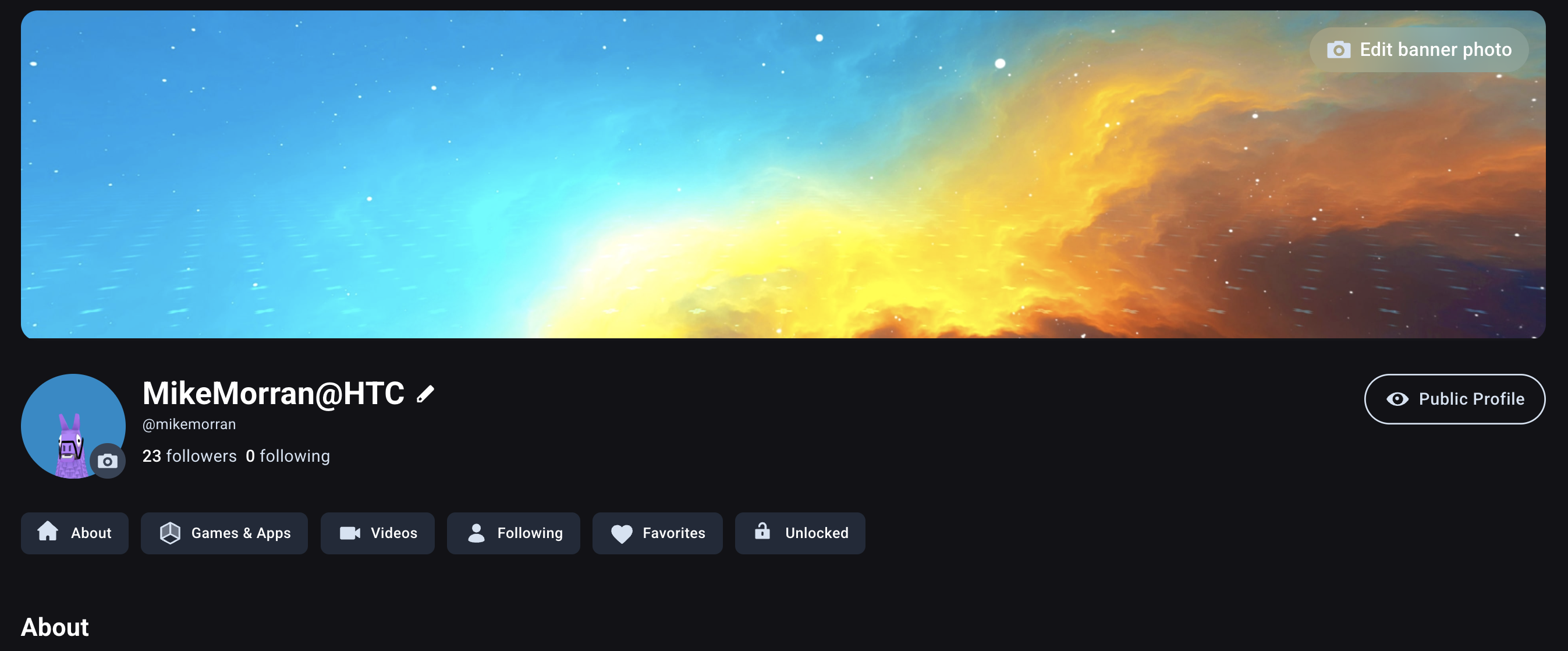
VIVERSE makes it easy for creators to share their work with audiences on and outside of VIVERSE. All content is associated with the creator profile, which can be customized to showcase additional media and details. The VIVERSE team manually curates creator profiles who actively publish and share their work, so be sure to fully customize your creator profile with details about your creative practice!
Your VIVERSE Creator profile has two visibility modes, public and private. In addition to your banner image, description, media, and content, private mode allows creators to view the content that your have purchased, the creators you follow, and other liked content.
## Discovery on VIVERSE
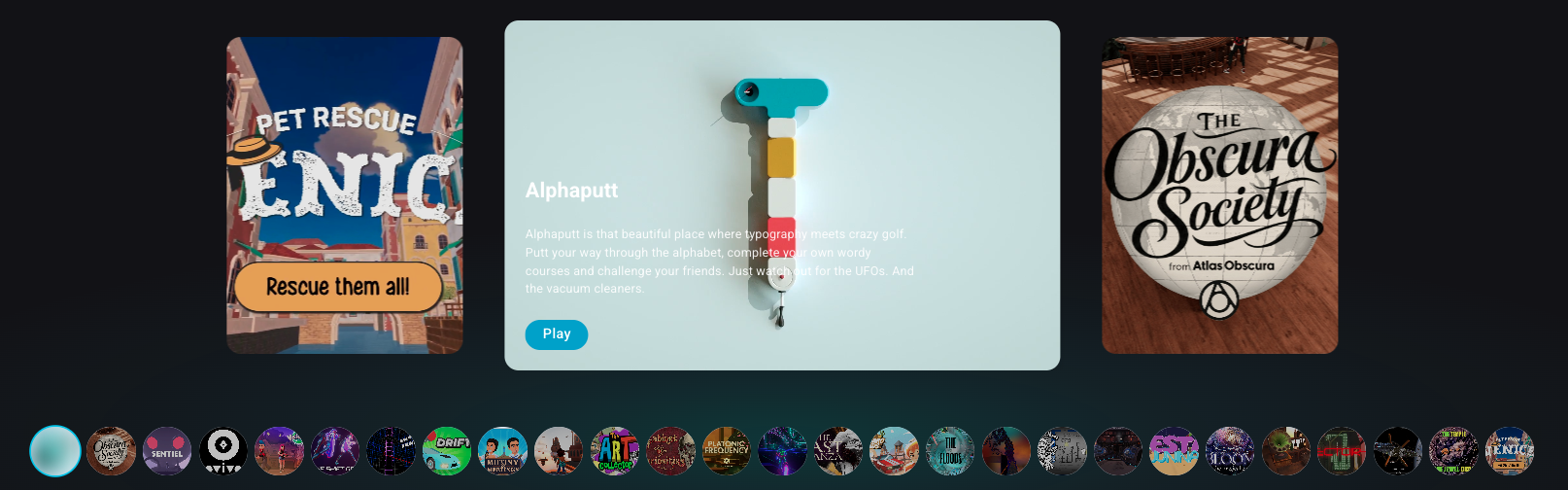
After your content has been approved and set to **Public,** it will automatically be discoverable based on its assigned Genres and Description details. The VIVERSE recommendation system also suggests content related to players' interests and based on a content's popularity (both likes and recent viewership).
In addition to algorithmically recommending content, the VIVERSE team manually curates and features content on our webpages which can help your work get seen by more players. **The best way to get curated is to make the VIVERSE team aware of your work.** We recommend sharing your project on social media and tagging @VIVERSEofficial, and to join our [discord server](https://discord.gg/viversecreators) to show off your work in the #share channel.
## Embedding Content
{% columns %}
{% column width="58.333333333333336%" %}
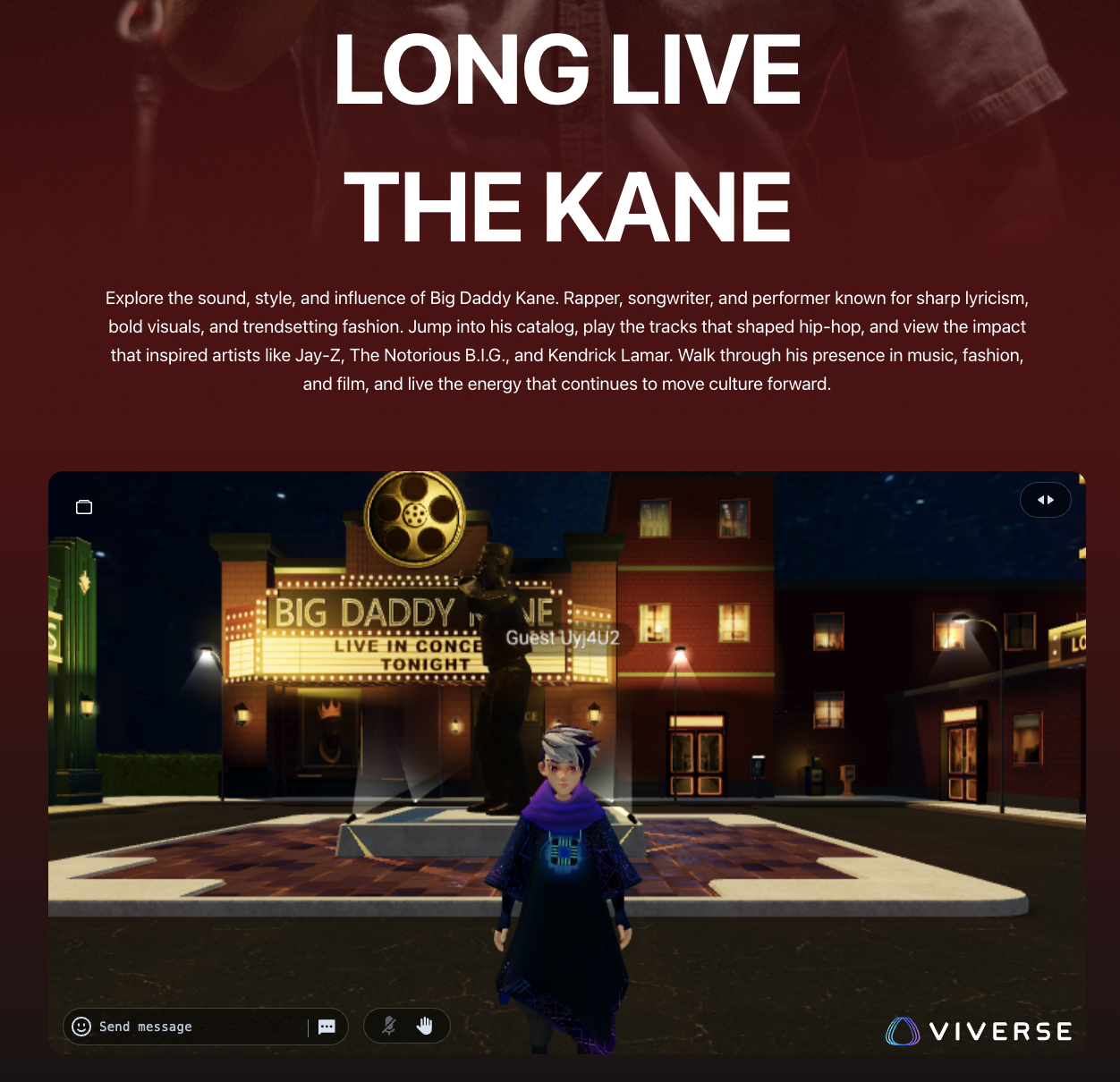
The VIVERSE team supports creators who want to share their work across the internet, including embedding on other high-traffic webpages and curation surfaces. Underneath your content, the share button presents options for sharing via social media and through iframe embedding.
Iframes are a powerful and easy way to allow users experience content hosted on VIVERSE on other webpages. When you select **Embed,** you will receive an iframe html element that can be easily added to your webpage.
In some cases, you may need the VIVERSE team to manually approve the webpage you wish to embed on. To process this manual request, please [email the VIVERSE team](mailto:michael_morran@htc.com?cc=brooke_chen@htc.com\&subject=Request%20for%20iframe%20embedding\&body=Hello%20VIVERSE%20Team%2C%0A%0AI%20would%20like%20to%20request%20that%20%7BVIVERSE%20url%7D%20be%20approved%20for%20embedding%20on%20%7Bwebpage%20url%7D.%20This%20webpage%20is%20%7Bdescription%20of%20webpage%20you%20wish%20to%20embed%20on%7D.) with your content's URL, the URL of the webpage you want to embed your content on, and a description of the webpage.
{% endcolumn %}
{% column width="41.666666666666664%" %}

{% endcolumn %}
{% endcolumns %}
---
# Agent Instructions
This documentation is published with GitBook. GitBook is the documentation platform designed so that both humans and AI agents can read, navigate, and reason over technical content effectively. Learn more at gitbook.com.
## Querying This Documentation
If you need additional information that is not directly available in this page, you can query the documentation by asking a question.
Perform an HTTP GET request on the following URL with the `ask` and `goal` query parameters:
```
GET https://docs.viverse.com/sharing-content.md?ask=&goal=
```
`ask` is the immediate question: it should be specific, self-contained, and written in natural language.
`goal` is what the user is ultimately trying to achieve, the reason they need the answer. Sharing it helps GitBook give you a better, more relevant answer. A goal is most helpful when it describes the outcome the user wants rather than restating the question. For example, with `ask=how do I create an API token`, a goal like `automate deployments from our CI pipeline` lets GitBook tailor the answer to that use case.
The response will contain a direct answer to the question and relevant excerpts and sources from the documentation.
Use this mechanism when the answer is not explicitly present in the current page, you need clarification or additional context, or you want to retrieve related documentation sections.